Quick Answer
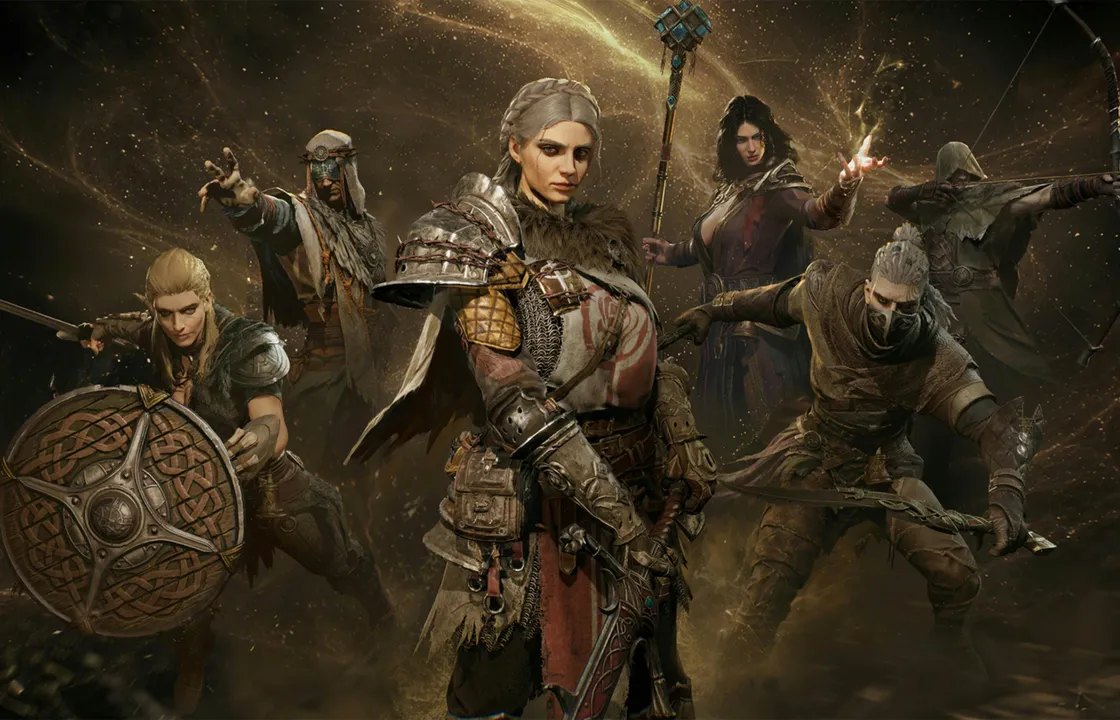
Mistfall Hunter supports squad play, and platform descriptions mention solo and three-player squad options. To play with friends smoothly, verify platform compatibility, region compatibility, game version, and party readiness before queueing.
Do not assume crossplay or cross-region grouping works just because everyone owns the game. If your party crosses platform or region boundaries, check the release/platform and server-region pages first.
Before You Invite Friends
Most party problems are compatibility problems. Before blaming the friend list, confirm that everyone is on a compatible version, has finished any required onboarding, is using the same live build, and can access the same region or server environment.
If you are teaching a new player, keep the first session low-risk. The goal is to show the map, extraction, healing, looting, and survival, not to drag them into the hardest route immediately.
Squad Basics
Three-player squad play changes how the game feels. You can split attention, cover each other, and recover from mistakes, but you also need communication. Decide who calls extraction, who leads movement, and how loot decisions work before the run gets chaotic.
Random teammates and premade friends are not the same experience. Community discussions show players care about coordination, voice communication, and whether random groups leave people behind.
Playing With a New Player
Players ask whether a high-level account affects beginner matchmaking when playing with a brand-new friend. Treat that as an open question unless official sources or in-game testing confirm the rule.
The safe approach is to use low-risk gear, pick a simple route, explain extraction early, and stop after a successful short run instead of pushing for one more fight.
Region and Crossplay Checks
If a friend invite fails, check region before trying advanced fixes. The PlayStation Store’s NA/international warning makes this especially important for console players.
Crossplay should be answered on the dedicated status page with current official sources. This friends page should link there rather than making unsupported platform claims.
Friend Session Checklist
| Check | Why It Matters |
|---|---|
| Same compatible version | Avoid invite or matchmaking failures |
| Region compatibility | Some versions may not share servers |
| Voice or clear pings | Squads depend on coordination |
| Low-risk gear | New players need room to learn |
| Extraction plan | Leaving alive is the lesson |
Friend-Play Setup Checklist
Most party problems come from a small set of checks: both players must be on compatible platforms, current game builds, compatible regions, visible online status, and the correct party or invite flow. If any one of those fails, the friend system can feel broken even when the game itself is working.
Before troubleshooting deeply, have everyone restart the game, confirm the same version, check party privacy, and verify whether the game uses account name, platform name, or in-game ID for invites.
| Problem | First Check |
|---|---|
| Friend does not appear | Account name, privacy, online status |
| Invite fails | Region, build version, party state |
| Matchmaking will not start | Party size, tutorial progress, queue type |
| Voice coordination is poor | Use a reliable external voice channel |
| One player gets errors | Screenshot exact error and platform |
Solo, Duo, and Trio Mindset
Even if the page focuses on friends, it should explain how group play changes decision-making. A group can split attention, cover revives or retreats, and coordinate extracts. It can also move louder, argue over loot, and attract fights that a solo player would avoid.
The best early squad rule is simple: decide the extraction threshold before the run starts. For example, leave when one player finds a high-value item, when healing is low, or when the party loses its clean route out.
Communication Rules That Actually Help
Use short calls: enemy direction, distance, health/resource state, extraction plan, and whether to fight or leave. Avoid long explanations during combat. After the run, review the mistake calmly and change one habit for the next queue.
This kind of guidance is more useful than overclaiming matchmaking details that still need official confirmation.
FAQ
Can you play Mistfall Hunter with friends?
Yes, Mistfall Hunter supports squad play. Check platform and region compatibility before queueing.
How many players are in a squad?
Platform descriptions mention three-player squad play.
Can new players group with experienced players?
Players ask about this, but matchmaking effects should not be stated as fact without official or in-game confirmation.
Why can’t I invite my friend?
Check platform compatibility, region, game version, friend list status, and whether either account is still in an intro requirement.
Related Guides
- Mistfall Hunter guide
- Mistfall Hunter wiki
- How to play
- How to parry
- How to lock on
- Camp guide
- Soul Coin guide
FAQ
Can you play Mistfall Hunter with friends?
Yes, Mistfall Hunter supports squad play. Check platform and region compatibility before queueing.
How many players are in a squad?
Platform descriptions mention three-player squad play.
Can new players group with experienced players?
Players ask about this, but matchmaking effects should not be stated as fact without official or in-game confirmation.
Why can't I invite my friend?
Check platform compatibility, region, game version, friend list status, and whether either account is still in an intro requirement.